In the app
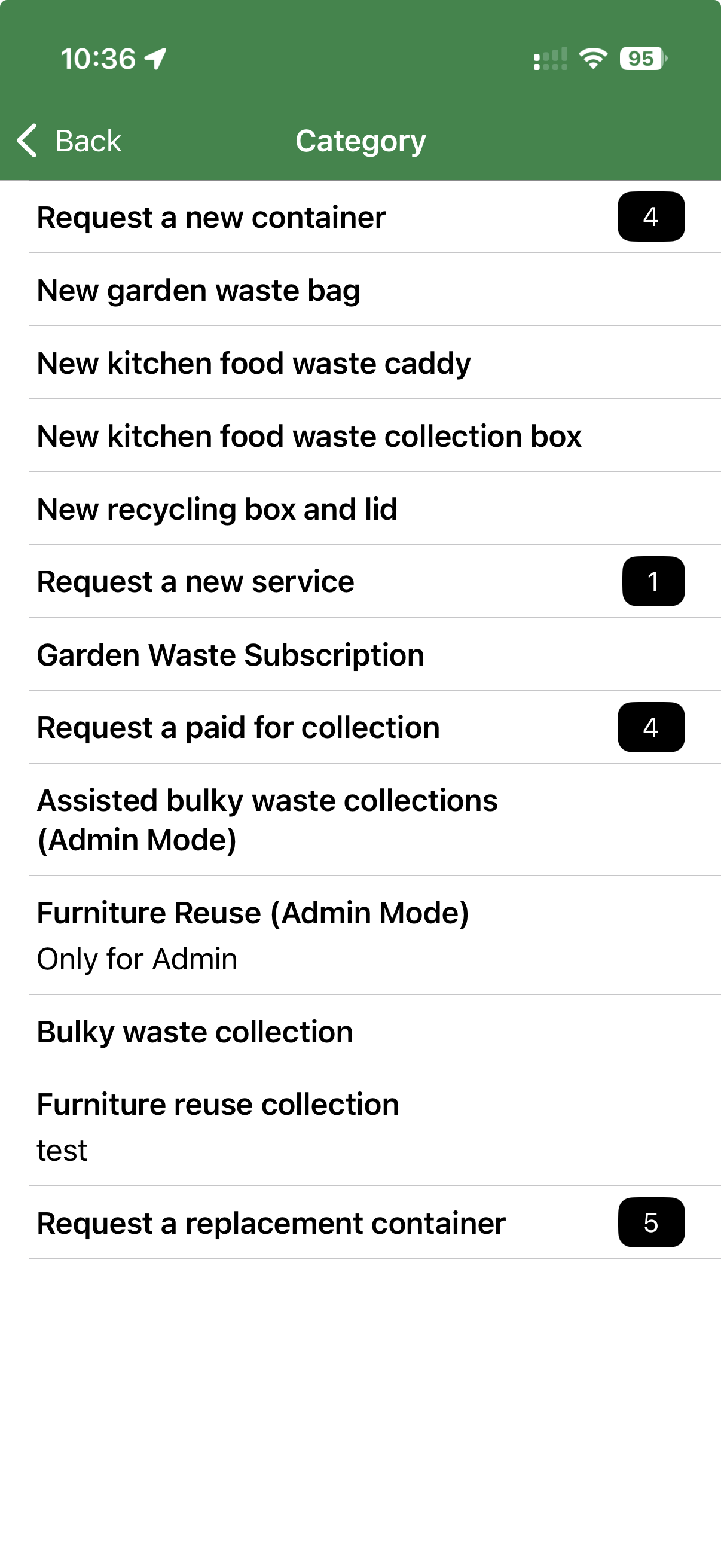
Open Reports and requests, choose My requests, then select the service you need.
 Love Clean StreetsUser guideMake a report
Available from some authorities
Request it is for services such as containers, subscriptions or collections. It is separate from reporting an issue on the map and may be available in the app, on the website, or both.
Before you begin
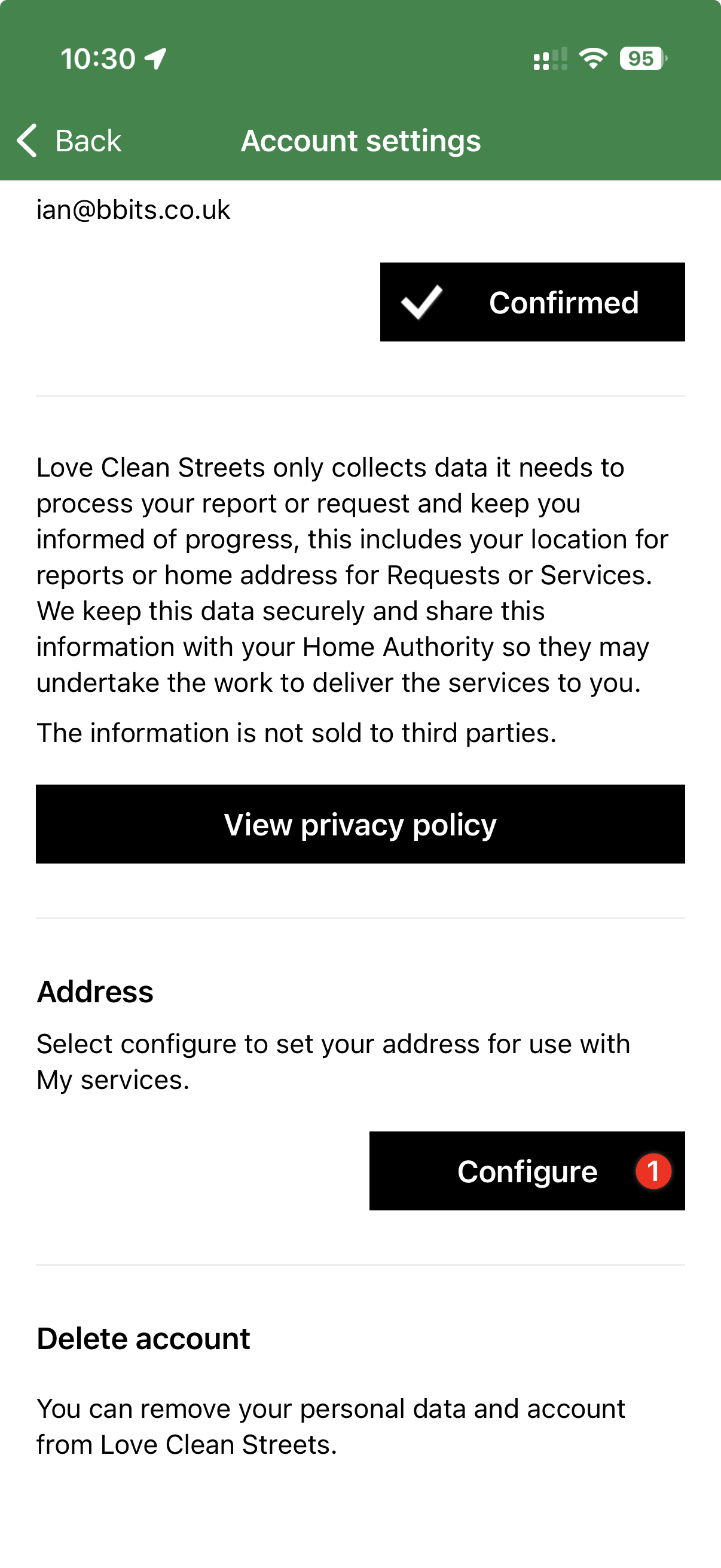
In the app, open Profile → Account settings → Address → Configure. Search for and select the full property address. The saved address is used to find household services available to you.
App or website
Open Reports and requests, choose My requests, then select the service you need.
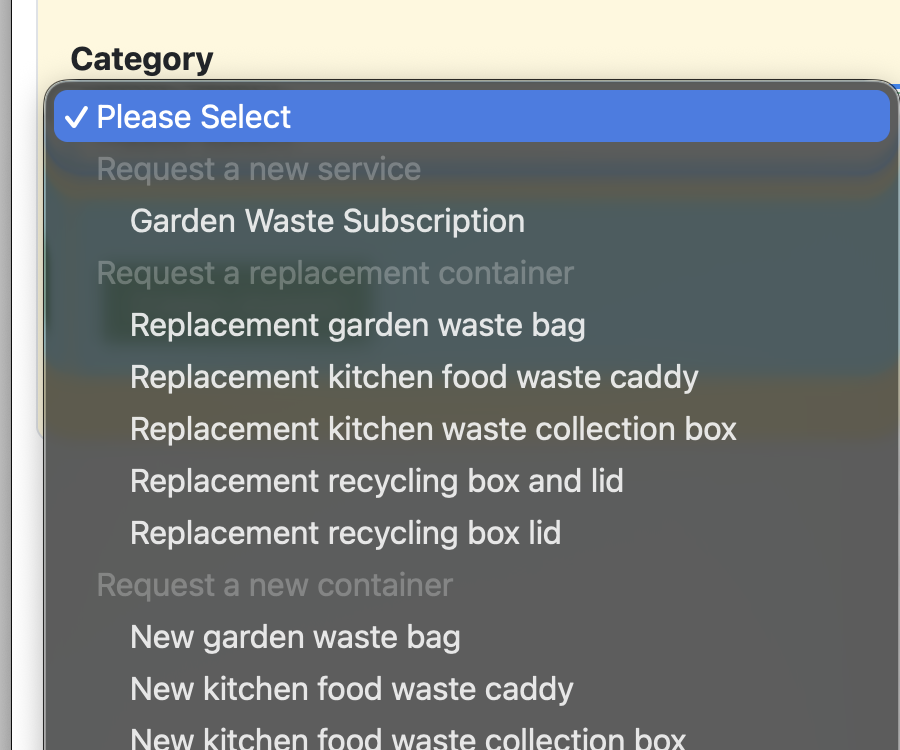
Sign in and open Requests → Add. Return to Requests → My requests to view requests you have made.
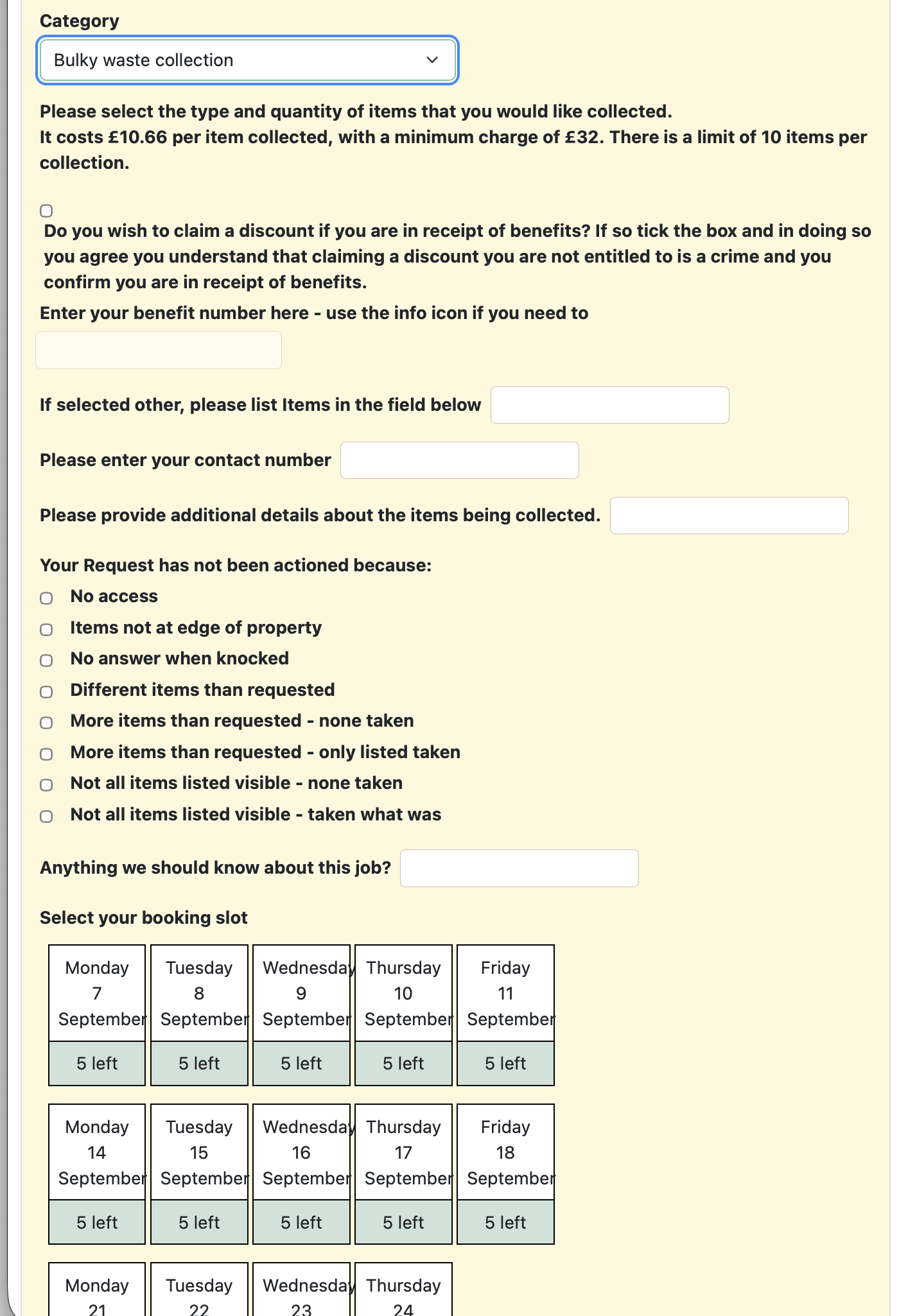
Make the request
Select the service you need and answer the authority’s questions.
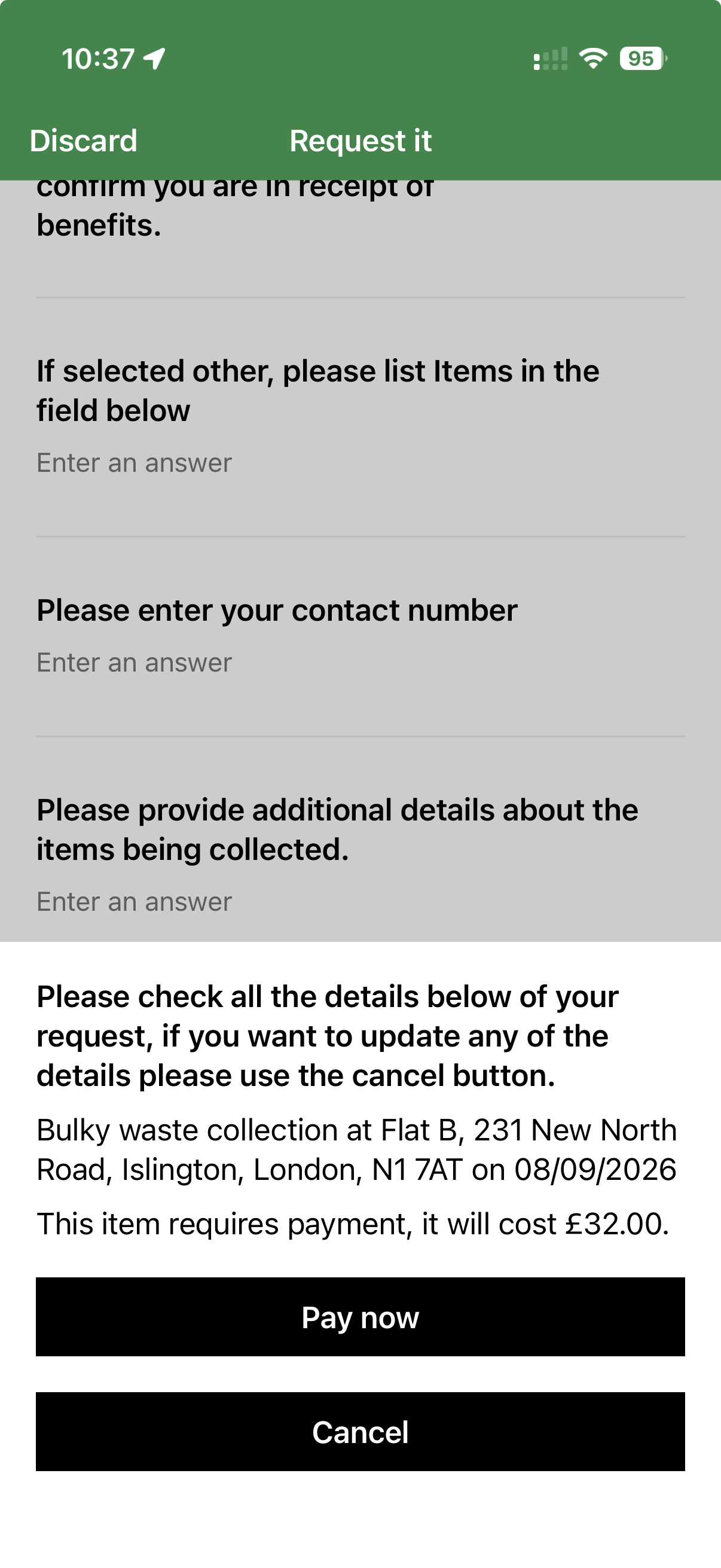
Review the property address. Choose a booking slot only when the selected service asks for one.
Check the service and any date, price or terms shown. Some services require payment; many do not. Charges and eligibility are set by the authority.