1
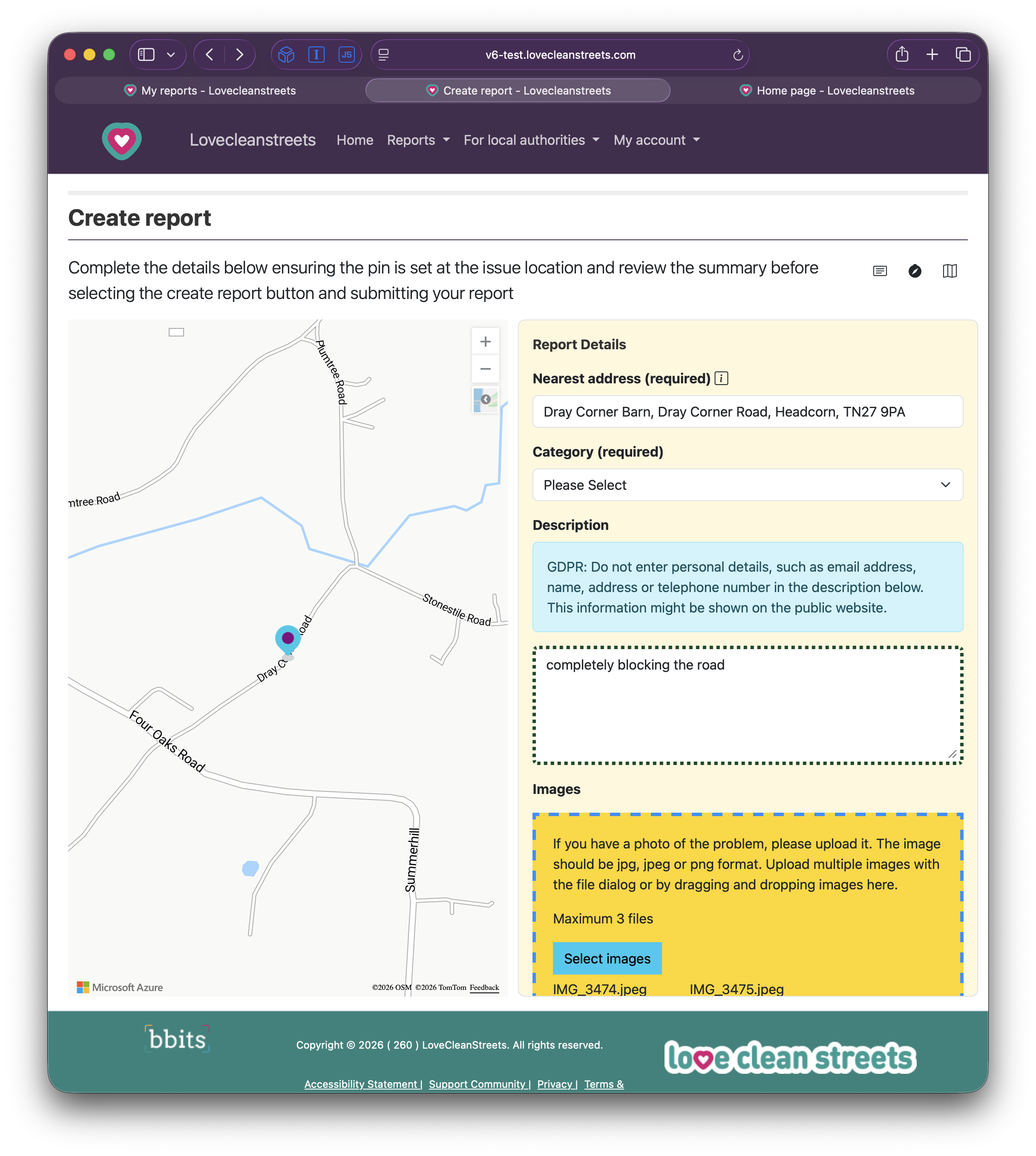
Set the exact report location
Search for an address or move the pin onto the issue itself. Check the displayed street, landmark or postcode before continuing.
 Love Clean StreetsUser guideMake a report
Love Clean Streets website
Use a phone, tablet or computer. Nothing needs to be downloaded.
Open Love Clean StreetsBefore a new report
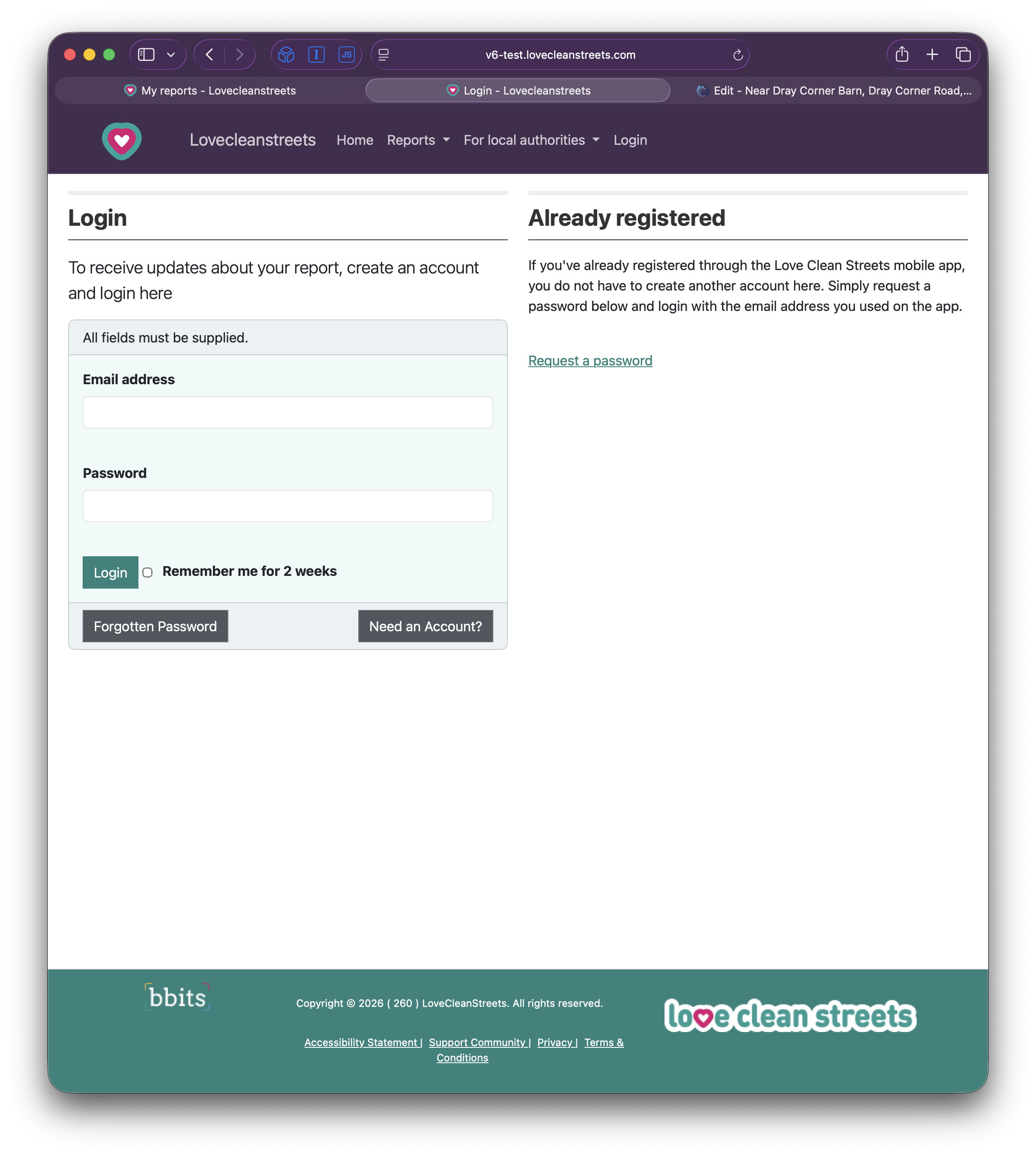
Using an account lets you return to your reports and receive progress updates. If you already registered in the app, request a password and use the same email address.
Create a new report
The available categories depend on the location. Extra questions depend on the category selected.
Search for an address or move the pin onto the issue itself. Check the displayed street, landmark or postcode before continuing.
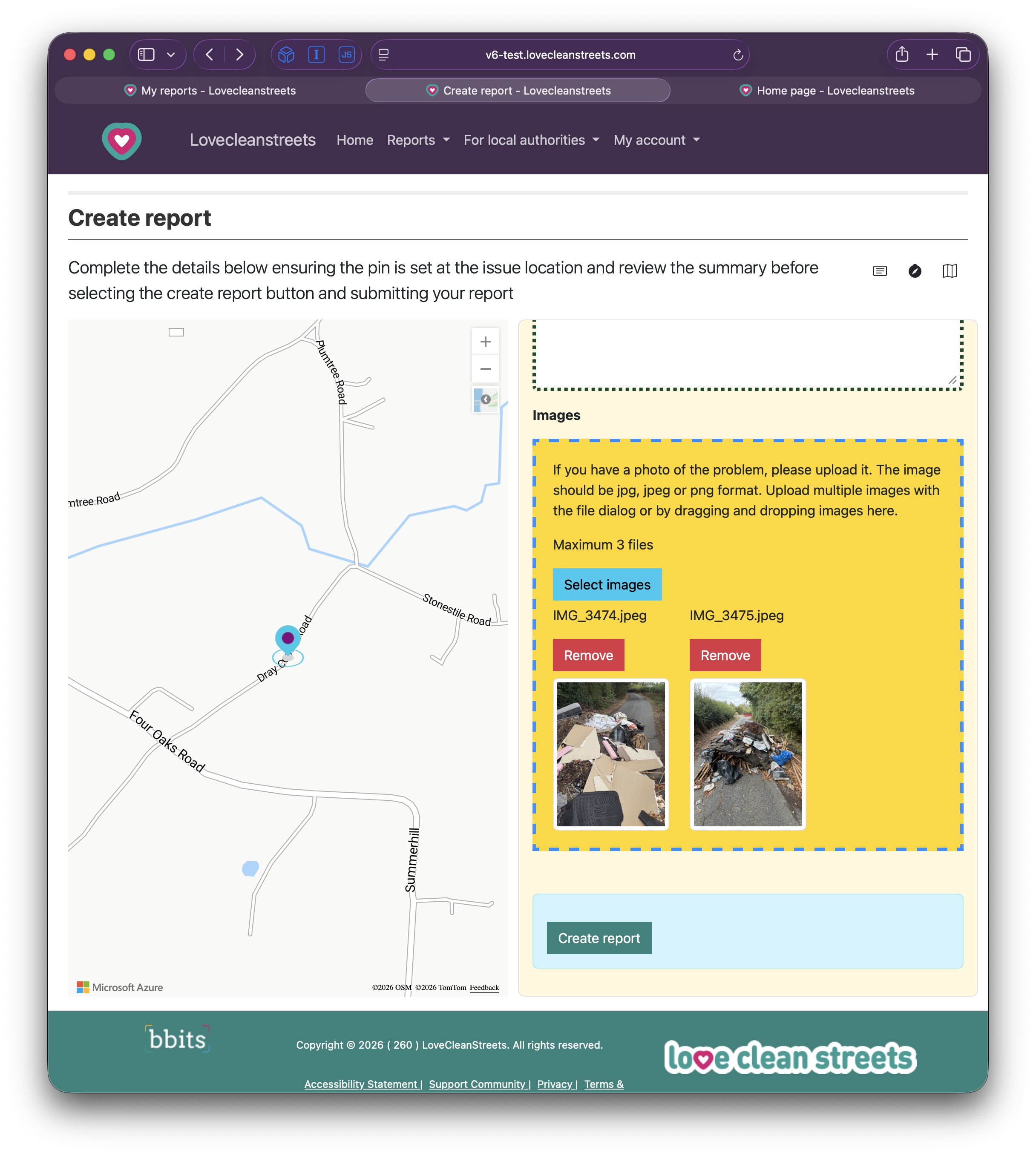
Upload a clear image if you have one, then check its preview. Do not put yourself in danger to take a photograph.
Choose the closest available category. The categories offered are based on the report location and can change when the pin moves.
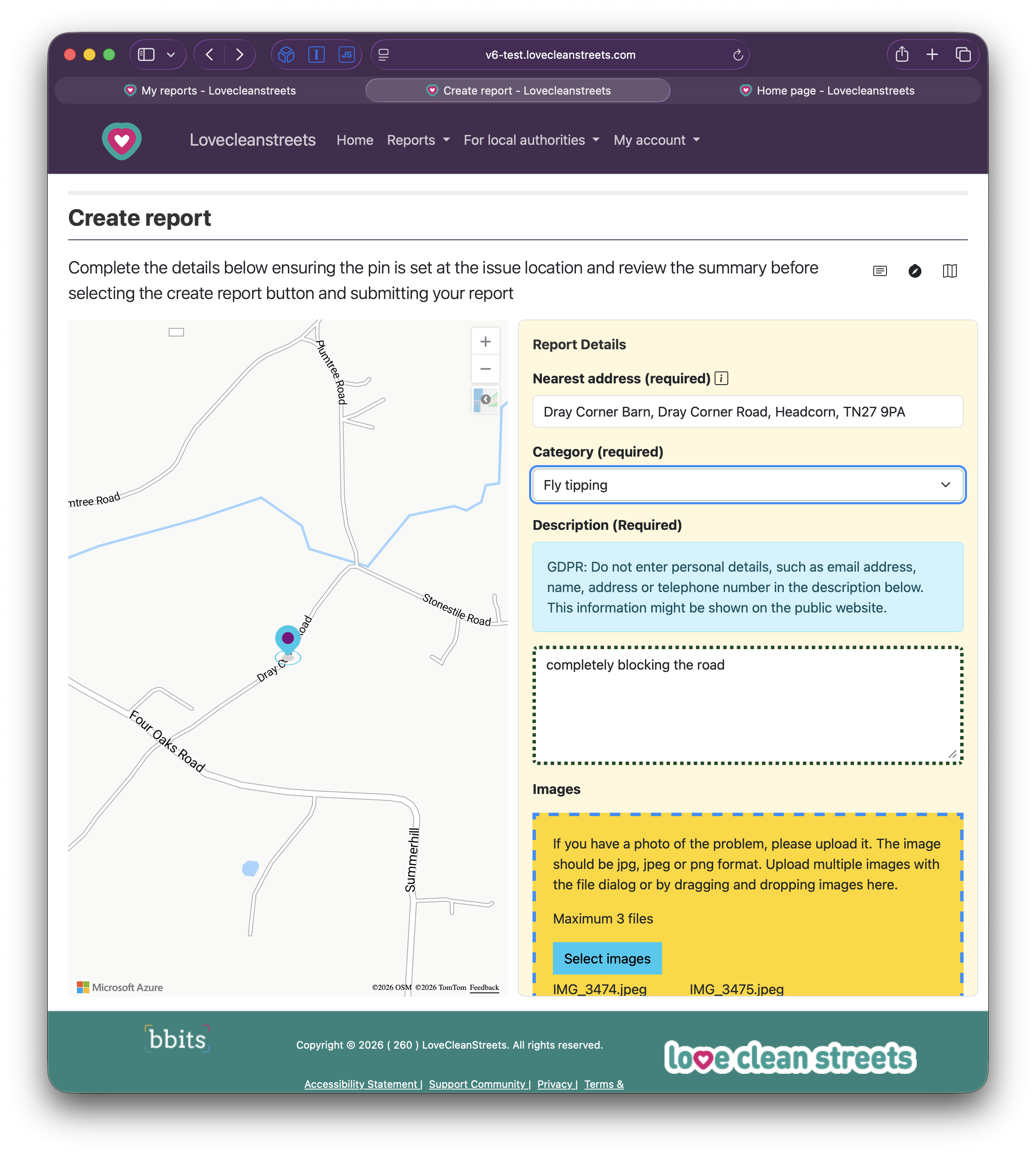
Add a concise description and answer any extra questions shown for the category you selected. Do not include personal information in descriptions or photos.
Review the location, category, answers, description and images carefully, then select Create report.
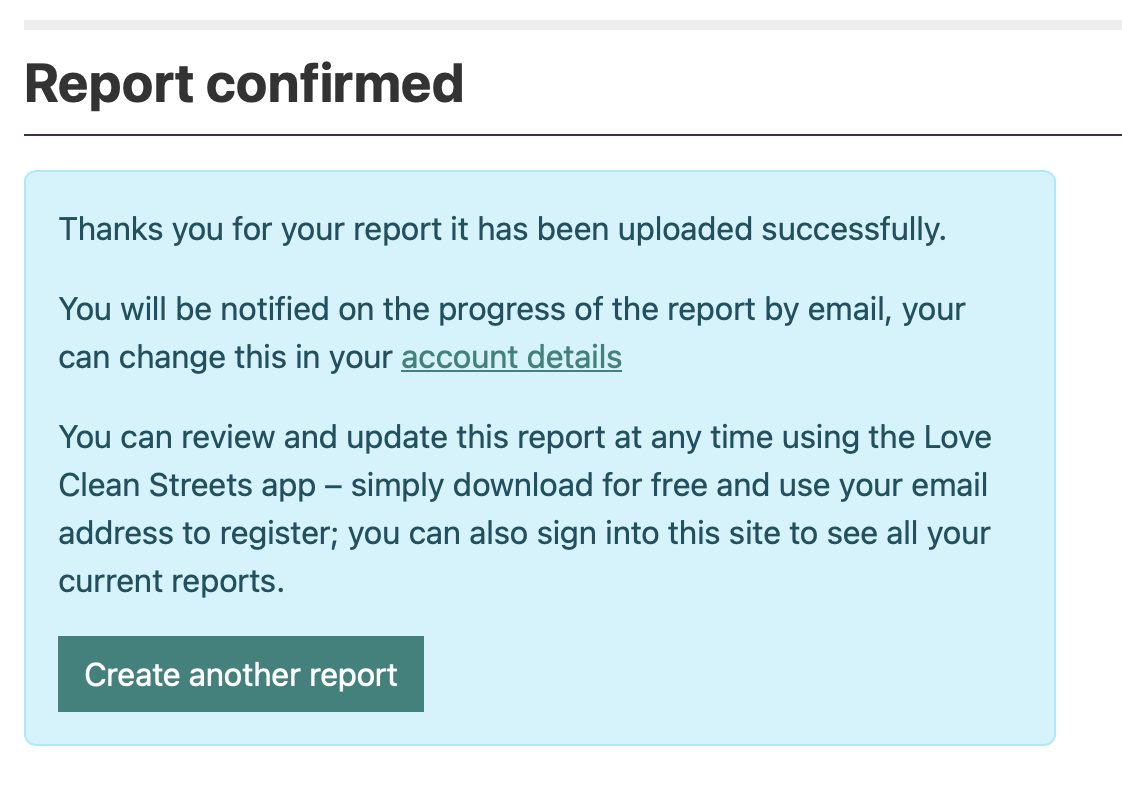
Follow a report
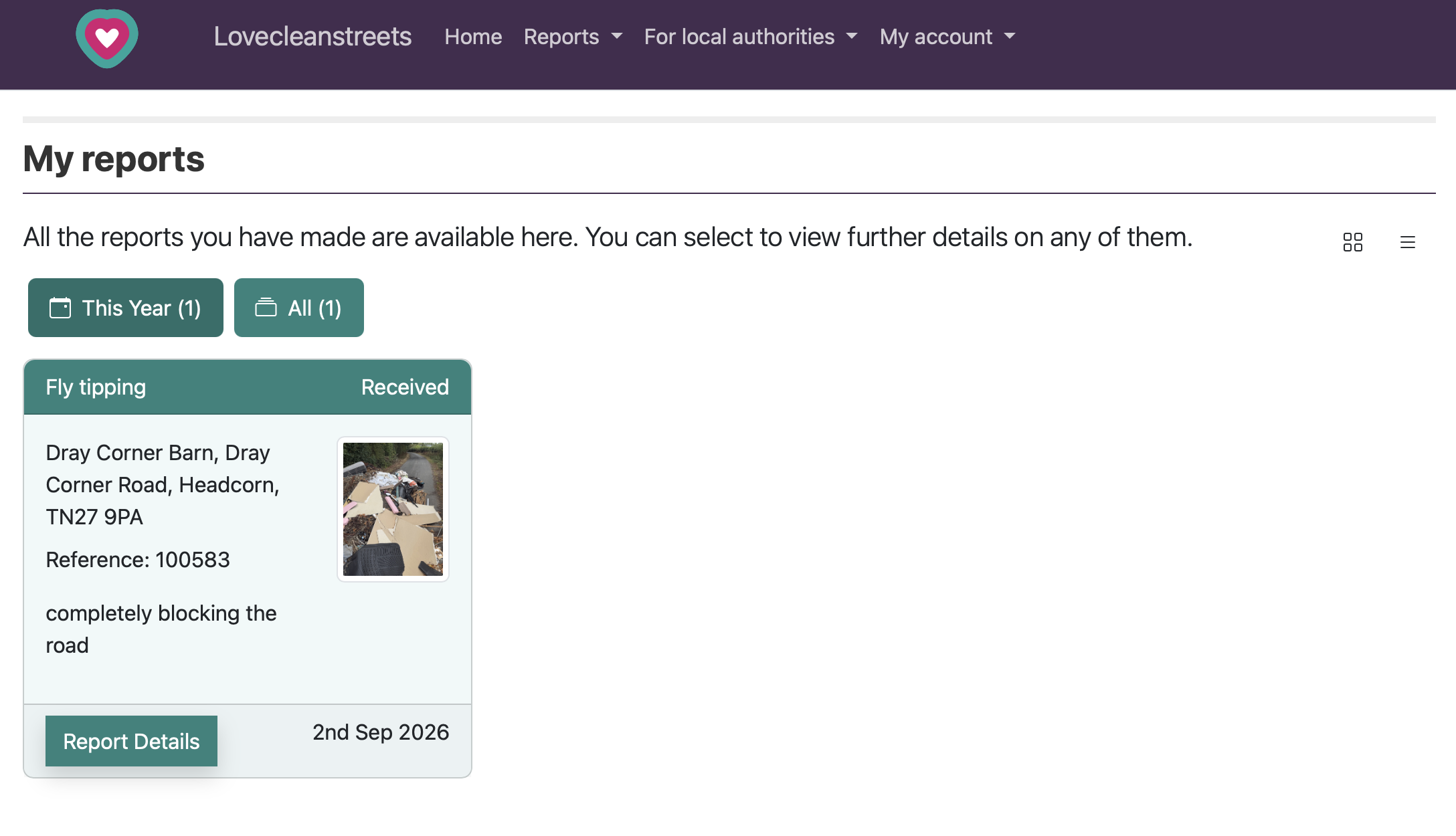
Sign in, open Reports and choose My reports. Select a report to see its status, reference, details and images.
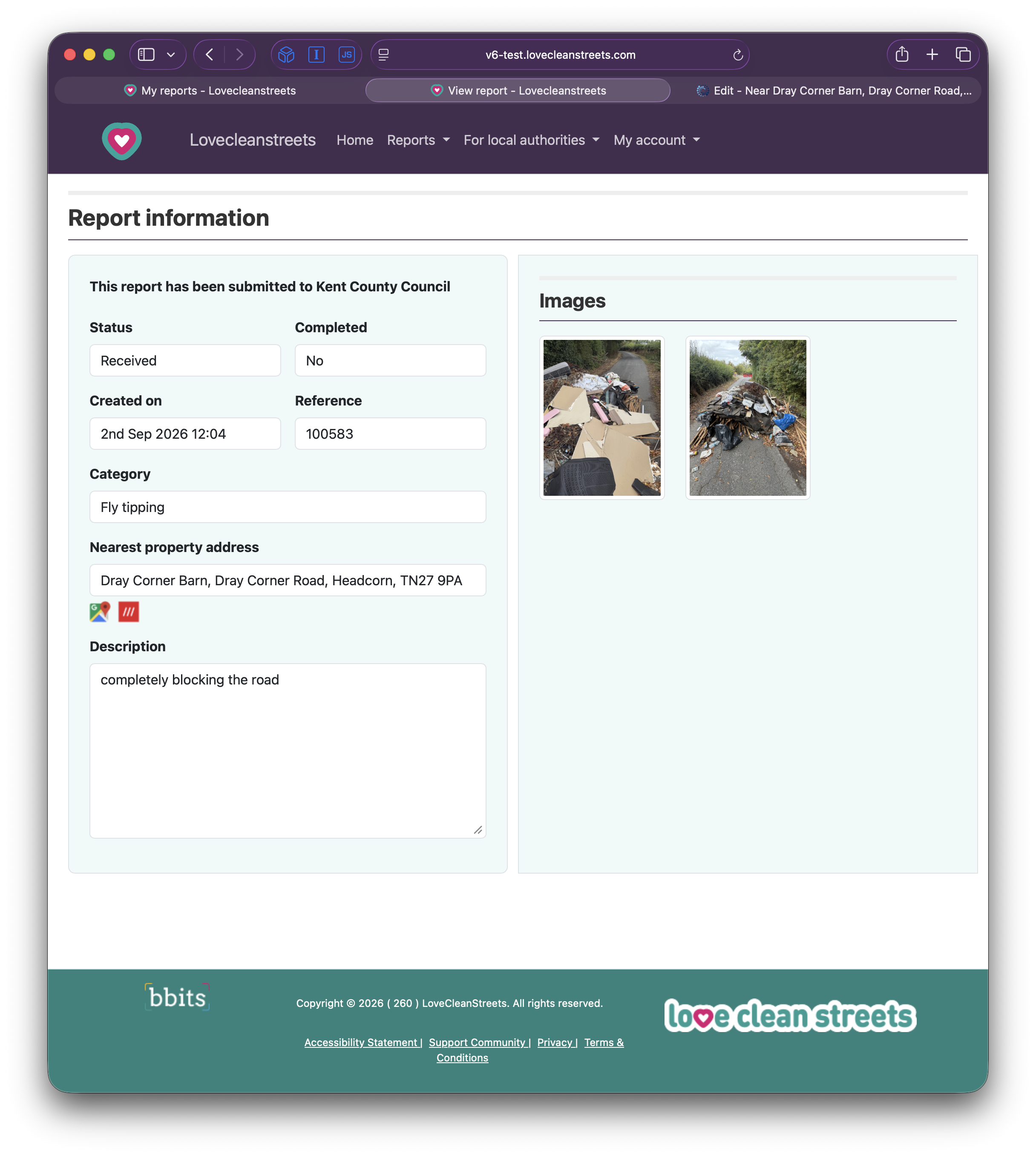
Updates are app-only
The website does not update existing reports. Sign into the app with the same account, open My reports and choose Update. The receiving authority can disable updates, so the option may not always be available.
See the app update stepsUse the reporting tools
Make new reports in the app or on the website. Update existing reports in the app when the receiving authority allows it. Reports and updates emailed to Love Clean Streets are not accepted.